Data lake
a store that keeps raw data in its original form
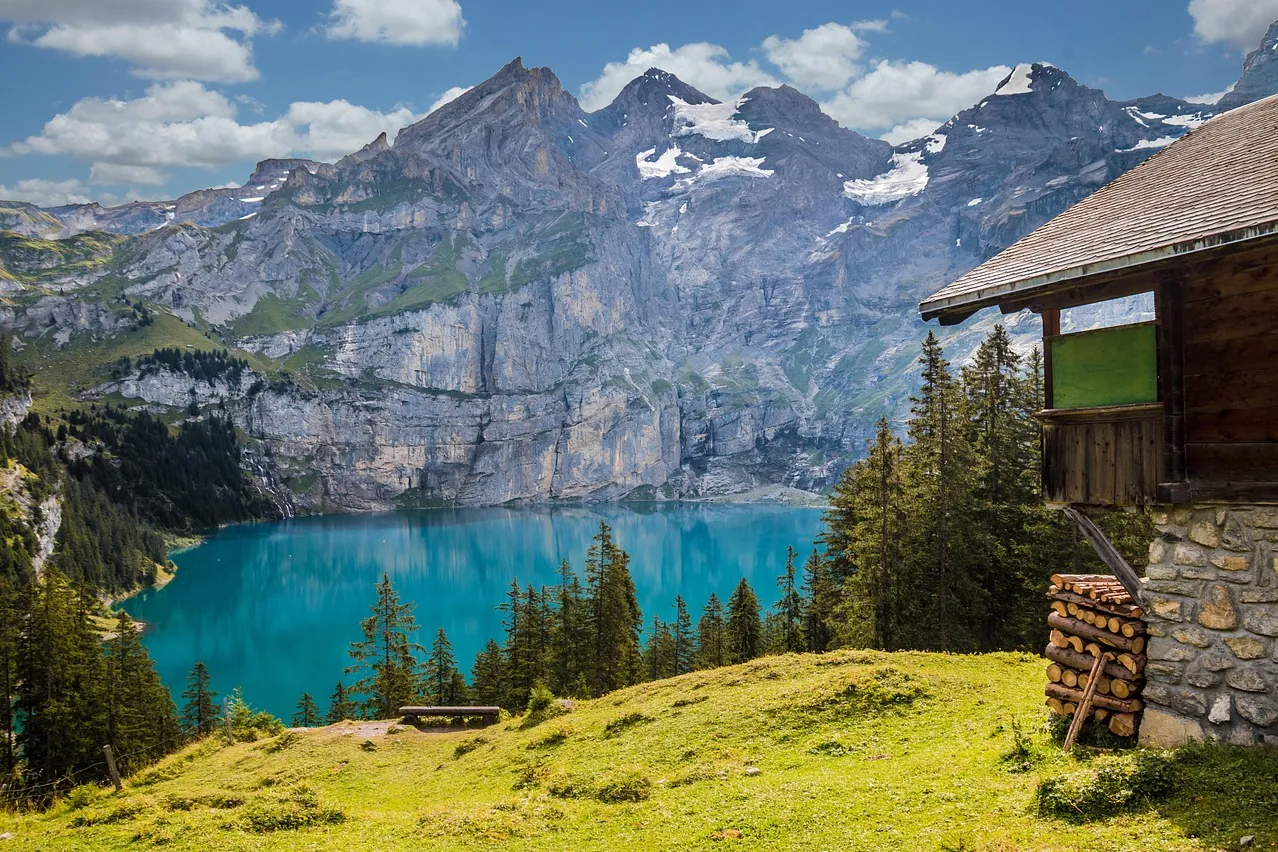
Photo: TeeFarm / Pixabay 
Photo: YaoMuyu / Pixabay
Use the concept in a decision
Put “What is a data lake?” to work in a real decision. We can help relate the concept to the system you are building or buying. Sales, operations and finance figures brought together, so two departments stop bringing two answers to the same meeting.
Test the assumptions behind the term
Use the explanation and linked work to frame questions for your project. We can examine the assumptions with you before a tool is chosen. Made a geographical data pipeline 50x faster — 50x faster geographical data pipelines
What it is
A data lake is a store that keeps raw data as it arrives from its source, at the finest level of detail the source provides, so that questions nobody has asked so far can still be answered from it later. In practice the data sits in files, often in a column-oriented format such as Apache Parquet, in a distributed file system or an object store, and query engines read those files directly.
The term comes from James Dixon of Pentaho. In a blog post dated 14 October 2010, written the week Pentaho announced its first Hadoop release, he summed up what he had heard from companies that used Hadoop. Eight or nine in ten of them dealt with data that was structured or semi-structured rather than unstructured, and it usually came from a single application or system. A few questions about it were known, many more would come up later, several groups of users wanted to ask them, and the volume would not fit into a relational database, either technically or at a sensible cost. The usual answer had been to pick the most interesting attributes and aggregate them into a data mart. That answers only the questions chosen in advance, and the aggregation hides the lowest level of detail for good.
Dixon offered a picture instead. A data mart is like bottled water: cleaned, packaged and given a shape that makes it easy to consume. A data lake, in his words, is “a large body of water in a more natural state”. One source keeps it filled, and anyone with a question can come and look, wade in or draw a sample.
Four years later Dixon revisited the term, because it was being used with many different definitions. He restated his own: a lake holds data from one source, not pre-aggregated, and an organisation can have several lakes. Data from many systems joined together was, in his image, a water garden rather than a lake. He was equally clear that a lake did not replace a database, a data mart or a data warehouse in 2010. Several of the definitions he was answering described one shared store for raw data from many systems. That is the looser sense of the word, and it is worth knowing which one a colleague means.
Why it matters
Every summary is a decision about which questions matter. A daily sales total per shop tells you how much each shop sold. It cannot tell you which hour was busiest, which products people looked at and did not buy, or whether one customer came back three times before ordering. Once only the total is kept, those questions are gone for good, because the rows that could answer them were thrown away when the total was computed. Dixon’s argument was that questions arrive after the data does, so the raw records should be kept at their most granular level and aggregated once the question is known.
That does not make the warehouse obsolete. Dixon described the institutional data marts and warehouses being populated with aggregations taken from the lake, while ad-hoc questions go to the lake itself. The warehouse remains the place for the figures the organisation has agreed on. The lake is where you go when a new question needs detail the warehouse never kept, and where you rebuild a warehouse table when its definition changes.
The file format matters as much as the idea. Parquet stores each column of a row group as its own chunk, and the metadata at the end of the file records where every chunk starts. A reader looks at that metadata first and then fetches only the column chunks it needs, so a query that touches three columns out of forty does not read the other thirty-seven. Because Parquet is an open format and each file carries its own metadata, any engine that reads Parquet can query the same folder, DuckDB on a laptop included, without an export step.
What it looks like in practice
A web shop records every product view, add-to-cart and purchase. Instead of summing them into daily totals, it keeps every event and writes the events out as Parquet files, one folder per day. In DuckDB 2.0, both steps are plain SQL:
CREATE TABLE shop_events AS
SELECT * FROM (VALUES
  (TIMESTAMP '2026-10-26 09:14:03', 'view',     'boots-41', NULL::INTEGER),
  (TIMESTAMP '2026-10-26 09:15:40', 'cart',     'boots-41', NULL),
  (TIMESTAMP '2026-10-26 09:17:12', 'purchase', 'boots-41', 1200),
  (TIMESTAMP '2026-10-27 11:02:55', 'view',     'jacket-m', NULL),
  (TIMESTAMP '2026-10-27 11:03:30', 'view',     'boots-41', NULL),
  (TIMESTAMP '2026-10-27 11:05:01', 'cart',     'jacket-m', NULL)
) t(occurred_at, event, product, amount);

COPY (SELECT *, CAST(occurred_at AS DATE) AS day FROM shop_events)
TO 'events' (FORMAT parquet, PARTITION_BY (day));
PARTITION_BY accepts column names only, not expressions, so the day is
computed in the SELECT. DuckDB writes one folder per value, named in the
key=value form its documentation calls Hive partitioning:
events/day=2026-10-26/data_0.parquet
events/day=2026-10-27/data_0.parquet
A question about one day filters on that column:
SELECT event, count(*) AS n
FROM   read_parquet('events/*/*.parquet', hive_partitioning = true)
WHERE  day = DATE '2026-10-27'
GROUP  BY event
ORDER  BY n DESC;
-- view 2, cart 1
DuckDB pushes a filter on a partition column down to the folder names and skips
the files that cannot match. EXPLAIN ANALYZE on this query reports one of the
two files scanned. With a year of daily folders, the same question would open
one folder out of 365. The day column comes back as a DATE without being
told, since DuckDB detects dates, timestamps and big integers in folder names by
default. It also switches Hive partitioning on by itself when the folders follow
the key=value pattern, so the flag in these queries only makes the intent
visible.
Now a question nobody planned for: which products were looked at most?
SELECT product, count(*) AS views
FROM   read_parquet('events/*/*.parquet', hive_partitioning = true)
WHERE  event = 'view'
GROUP  BY product
ORDER  BY views DESC, product;
-- boots-41 2, jacket-m 1
A table of daily purchase totals could never answer that. The raw events answer it with one more query against the same folder, because every event was kept on the way in.
The company’s data warehouse design service describes its aim as one place where all the numbers agree, so that two departments stop bringing two answers to the same meeting. A lake like this one sits upstream of such a warehouse: the warehouse holds the agreed figures, and the raw events stay on hand for the next question.
Where it goes wrong
Files nobody can explain. A folder of Parquet files with no record of where they came from, who owns them or what each column means is a lake only its builder can use. When critics argued in 2014 that a lake has no metadata, Dixon replied that nothing in the idea says so, and later added that anyone joining data from different sources or tracing lineage will need metadata. Keep one catalogue entry per dataset with its source, owner, columns, load time and retention, and make writing that entry part of the load job.
Thousands of tiny files. Every Parquet file carries its own metadata block,
and a reader has to read it before any data. A stream that writes one small file
a minute leaves more than 40,000 files for a 30-day month, each opened and
parsed on every full scan. Batch writes into fewer, larger files, and compact
old partitions on a schedule. The Apache Iceberg table format records such a
compaction as a replace snapshot: several files swapped for one that holds the
same rows.
Readers that see half a load. A job that writes ten files and stops after six leaves six files in the folder, and anything that lists the folder will read them. A plain directory has no commit. A table format fixes this. Iceberg tracks individual data files in metadata rather than whole directories and commits a change by atomically swapping one metadata file for the next. Readers always use a committed snapshot, writes are never partially visible, and readers take no locks.
Renamed columns that split the history. Old files keep the old column name, and every query has to know both. Iceberg selects columns in data files by a field id instead of by name, so a column can be renamed, added, dropped or moved, even inside nested structures, without rewriting the files already written.
One lake for every system. Pouring every database in the organisation into one place and joining across all of it is what Dixon called a water garden, and he advocated using several kinds of storage across an enterprise, each chosen for the data and queries it handles. His advice was to use the best tool for each job: a transactional database for transactional purposes and an analytic database for analytic ones. Start a lake from one source with real questions waiting, and build the integrated, agreed figures in a warehouse populated from it.
Personal data kept forever. A store designed to keep everything collides with deletion requests and retention limits. Iceberg version 2 can delete individual rows by writing delete files, without rewriting the data files, which means the original bytes stay in storage. They go only when the data files are rewritten and the older snapshots that still list them expire, after which the files may be physically deleted. Keep direct identifiers out of raw events where you can, partition so that retention drops whole folders, and schedule compaction and snapshot expiry after deletions.
Further reading
- Pentaho, Hadoop, and Data Lakes — James Dixon’s October 2010 post that introduced the term and the comparison with bottled water.
- Data Lakes Revisited — Dixon’s 2014 follow-up: one source per lake, the water garden, and his answers to the critics.
- File Format — the Parquet layout of row groups, column chunks and file metadata written after the data.
- Iceberg Table Spec — the Apache Iceberg specification: snapshots, atomic commits, schema evolution by field id, delete files and snapshot expiry.
- Hive Partitioning — DuckDB’s documentation of key=value folders, filter pushdown and partition type detection.