High availability
the ability of a service to keep running when a part fails

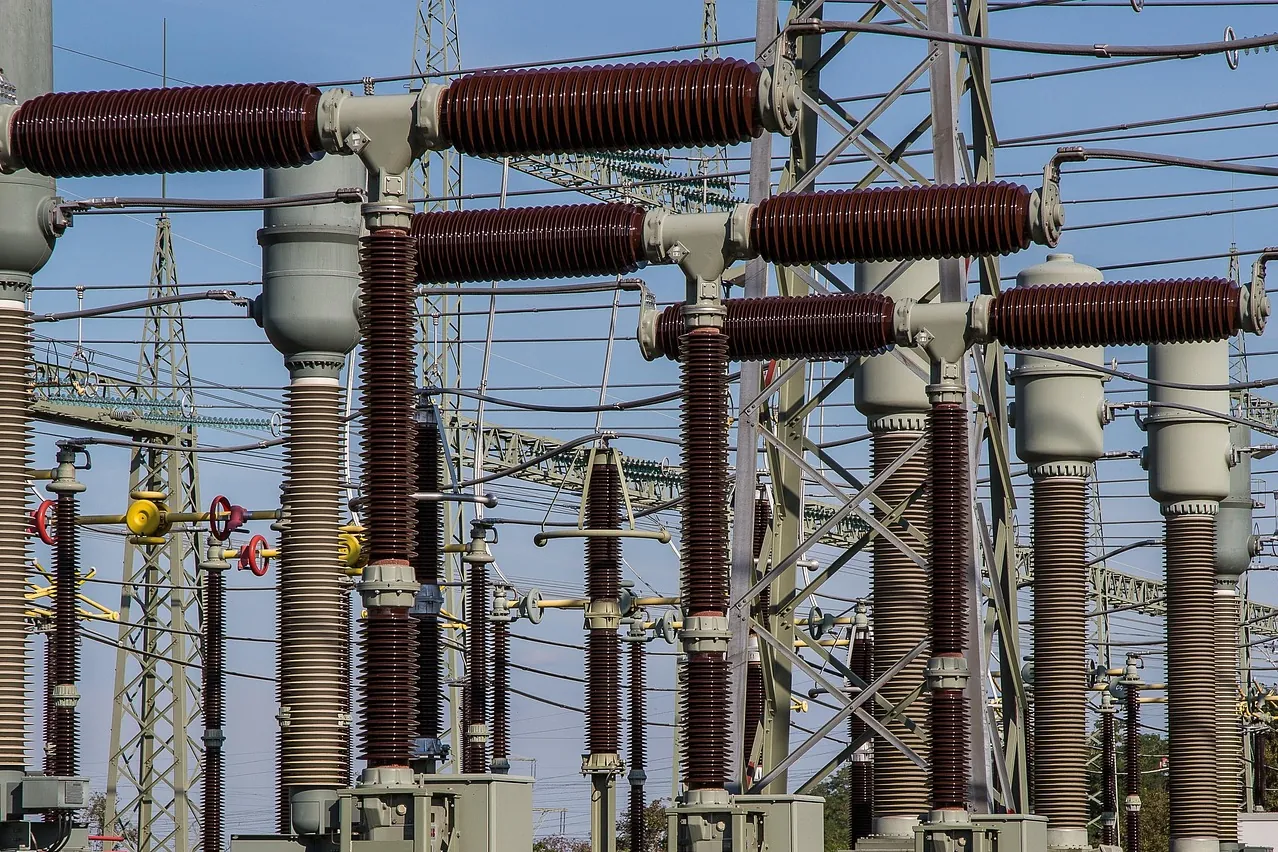
Photo: Olavi-a / Pixabay 
Photo: moonzigg / Pixabay
Use the concept in a decision
Put “What is high availability?” to work in a real decision. We can help relate the concept to the system you are building or buying. Monitoring and alerts that speak up while a fault is still small, and the figures that show how often it stays that way.
Test the assumptions behind the term
Use the explanation and linked work to frame questions for your project. We can examine the assumptions with you before a tool is chosen. Built the company's first observability dashboard — the company's first view of its own systems
Built the company's first observability dashboard Get in touch
What it is
High availability is the property of a service that keeps answering when one of the machines, disks, network links or processes behind it fails. It is usually built as a cluster: several hosts that can each run the service, software that watches them, and a procedure that moves the work from a failed host to a healthy one. The ClusterLabs project, which maintains the open-source Pacemaker and Corosync cluster stack, describes such a cluster as managing services on several hosts, from starting them and checking their health to recovering them after failure, “to minimize downtime while preserving data integrity”.
The second half of that sentence matters as much as the first. A service that comes back quickly with the wrong data has not been made highly available. It has been made dangerous.
PostgreSQL’s documentation separates two reasons for running several database servers together. One is to let a second server take over quickly if the primary fails, which it calls high availability. The other is to let several computers serve the same data, which it calls load balancing. The two often share machinery, but they answer different questions: high availability is about surviving a failure, while load balancing and scalability are about carrying more work.
Availability itself is a number. The traditional measure is time-based: the share of a period during which the service could be used. Google’s SRE book explains that for services spread around the world, where some part is nearly always up somewhere, it measures the share of requests answered successfully instead. Both are written as percentages and spoken of as a count of nines.
Every highly available design is assembled from the same few parts:
- Redundancy. A spare for every part whose failure would stop the service: a second host, a standby database, a second network path. Pacemaker supports active/passive pairs, N+1 arrangements in which several active nodes share one spare, and other layouts.
- Detection. Something has to notice the failure. PostgreSQL’s chapter on failover describes a heartbeat between primary and standby that continually checks the connection and whether the primary is still working.
- Failover. Moving the work: promoting the standby, moving the service’s IP address, starting the process on another host.
- Fencing. Making sure the failed node really has stopped before its work starts somewhere else.
- Rebuilding the spare. After a failover the system runs without redundancy until a new spare is in place.
High availability is neither a backup nor disaster recovery. It protects against the failure of a part while the site as a whole is still running. A backup protects against losing or corrupting data, including corruption that a cluster faithfully copies to every node, and disaster recovery is the plan for losing the whole site.
Why it matters
Every service has parts that will fail. Hardware breaks, kernels panic, a virtual machine is deleted by mistake, a network partition cuts a healthy node off from the rest of the cluster. The Kubernetes documentation lists these as involuntary disruptions and sets them beside voluntary ones that somebody plans, such as draining a node for a repair or an upgrade. Without redundancy each of them is an outage, the planned ones included, because the only way to patch a single server is to take it down.
That second point is often the first benefit a team notices. PostgreSQL’s failover chapter calls regular switching between primary and standby useful: it lets each machine be taken down in turn for maintenance, and every switch tests that the failover mechanism will work when it is needed.
The nines translate into time. For a 365-day year (525,600 minutes) and a 30-day month (43,200 minutes), the arithmetic is:
Availability   Allowed per year       Allowed per 30-day month
99%            3.65 days              7.2 hours
99.9%          8.76 hours             43.2 minutes
99.95%         4.38 hours             21.6 minutes
99.99%         52.56 minutes          4.32 minutes
99.999%        about 5.26 minutes     about 26 seconds
Each extra nine cuts the allowance by a factor of ten, and the cost climbs faster than that. The SRE book warns that one further step in reliability may cost a hundred times as much as the step before it, and that past a point users cannot tell the difference: someone on a phone that is itself only 99% reliable will not notice whether the service behind it runs at 99.99% or 99.999%. The book therefore treats an availability target as both a floor and a ceiling. A service far more available than it needs to be has spent money and engineering time that could have gone elsewhere.
That is why the target is a business decision, made service by service. A service level objective writes the number down; high availability is the engineering that makes it reachable.
What it looks like in practice
Take an invented booking service with three tiers: a web tier, an application tier and a PostgreSQL database, each on its own host. Every number below is made up for the example. If each tier is up 99.9% of the time and the service needs all three, their availabilities multiply. Doubling a tier works the other way round, because both copies have to be down at once:
Three tiers in series, each 99.9% available:
  0.999 × 0.999 × 0.999 ≈ 0.997      about 26 hours down a year

One tier doubled, if its two copies fail independently:
  1 − 0.001 × 0.001 = 0.999999       about half a minute a year
The second calculation rests on one word: independently. Two copies on the same host, in the same rack, behind the same switch or in the same cloud zone share a fate, and the arithmetic stops applying. The formula also assumes the switch from one copy to the other is instant and always works, which only testing can show.
On Kubernetes, that is what topology spread constraints are for. The documentation’s own motivating case is a workload that may shrink to two Pods: you would not want both on the same node, where one failure takes the workload offline. A constraint in the Pod template spreads the replicas across zones:
topologySpreadConstraints:
    - maxSkew: 1
      topologyKey: topology.kubernetes.io/zone
      whenUnsatisfiable: DoNotSchedule
      labelSelector:
          matchLabels:
              app: booking
With DoNotSchedule, the scheduler leaves a Pod unscheduled rather than place
it where the zones would differ by more than one. Planned maintenance needs a
second guard. A PodDisruptionBudget limits how many replicas of an application
may be down at once from voluntary disruptions. kubectl drain respects the
budget, because it asks the Eviction API to evict each Pod; deleting Pods
directly bypasses it:
apiVersion: policy/v1
kind: PodDisruptionBudget
metadata:
    name: booking-pdb
spec:
    maxUnavailable: 1
    selector:
        matchLabels:
            app: booking
The documentation recommends maxUnavailable over minAvailable, because it
follows changes in the number of replicas automatically.
The database is the hardest tier, because it holds state. PostgreSQL can keep a hot standby, which accepts read-only queries, or a warm standby, which starts accepting connections only after promotion. Choosing between synchronous and asynchronous replication is choosing what a failover may lose. When it is synchronous, a transaction counts as committed only once every server has it, so a failover loses nothing. An asynchronous standby may be a few transactions behind when it takes over. The price of the first is speed: the documentation notes that slow network links can make a fully synchronous setup lose over half its performance.
PostgreSQL does not decide when to fail over. Its documentation says it
provides no system software to detect a failed primary and notify the standby;
that job, along with moving the IP address, belongs to external cluster
software. The promotion itself is a single step, pg_ctl promote or the
function pg_promote(). What follows is the part plans forget. With the old
primary gone, the cluster runs on one server, which the documentation calls a
degenerate state, until a new standby has been built. The pg_rewind utility
can speed that up on large clusters.
On this site, the entry on email with failover and delivery logging shows the same pattern applied to an outside dependency. Three email providers sit behind one interface, failover between them happens automatically rather than as a configuration change made under pressure, and a startup check sends a real message, so that staging and production refuse to start without a provider that works. The entry reports that a provider having a bad afternoon now means a degraded path rather than an outage, at the cost of three integrations to keep working. How available a system has to be is a decision of its own: the service levels page explains that the availability figure is written into the agreement for each system separately, since a report produced overnight and a payment service call for different figures.
Where it goes wrong
Redundancy that shares a fate. Two copies on one host, one power supply, one switch or one cloud zone fail together. Trace every spare back to what it depends on, and spread replicas across failure domains on purpose rather than by luck.
Split brain. When cluster nodes lose contact with each other but keep running, each side may decide the other is dead and start the service itself. Pacemaker’s documentation spells out the result: activating the same IP address on both hosts makes the destination of incoming packets unpredictable, and for a database the damage can be corruption or diverging data. Fencing, also called STONITH (Shoot The Other Node In The Head), is the guard: a fence device, such as a power switch the cluster controls, cuts the failed node off before its work starts elsewhere. The documentation states that a cluster cannot safely recover from an unresponsive node without it, and that the fence device must not rely on the cluster’s own network, otherwise losing that network also removes the means of fencing.
A failover nobody has tried. A standby that has never been promoted is a hope, not a plan. Switch roles on a schedule, as PostgreSQL’s documentation suggests, write the procedure down, and rehearse it the way chaos engineering rehearses other failures.
Forgetting the degenerate state. After a failover there is no spare. If rebuilding the standby is slow or manual, the next fault, however small, becomes an outage. Treat restoring redundancy as part of the incident, not as a task for later.
Assuming asynchronous replication loses nothing. It can lose the last transactions committed before the failure. Decide for each database whether that is acceptable, and make the trade-off visible to the people who own the data.
Mistaking replication for a backup. A standby copies a mistaken DELETE
as faithfully as a correct write. High availability keeps the service up; only
a backup lets a team go back to the data as it was.
Two nodes and no tie-breaker. Pacemaker’s documentation points out that losing a node to a power cut looks the same as losing the network link to it. With two members, each side sees exactly that. Kubernetes asks for at least three control-plane nodes in its stacked layout, and PostgreSQL’s documentation mentions a third witness server that can prevent some wrong failovers, while warning that the extra complexity is only worth it with careful set-up and rigorous testing.
Paying for nines nobody can see. Every extra nine costs more than the one before, and users reach the service through networks and devices less reliable than the target. Choose the number from what users and the business need, then build to it.
Further reading
- ClusterLabs — the open-source high-availability cluster stack, with its definition of what a cluster coordinates and why it needs fencing.
- High Availability, Load Balancing, and Replication — PostgreSQL’s chapter on primaries and standbys, and on synchronous and asynchronous designs and their costs.
- Failover — PostgreSQL on heartbeats, witness servers, STONITH, promotion and the degenerate state.
- Fencing — Pacemaker Explained on split brain, fence devices, and fencing and quorum.
- Embracing Risk — the Google SRE book on measuring availability, the cost of each nine and choosing a target.
- Disruptions — voluntary and involuntary disruptions in Kubernetes, and how a PodDisruptionBudget limits them.