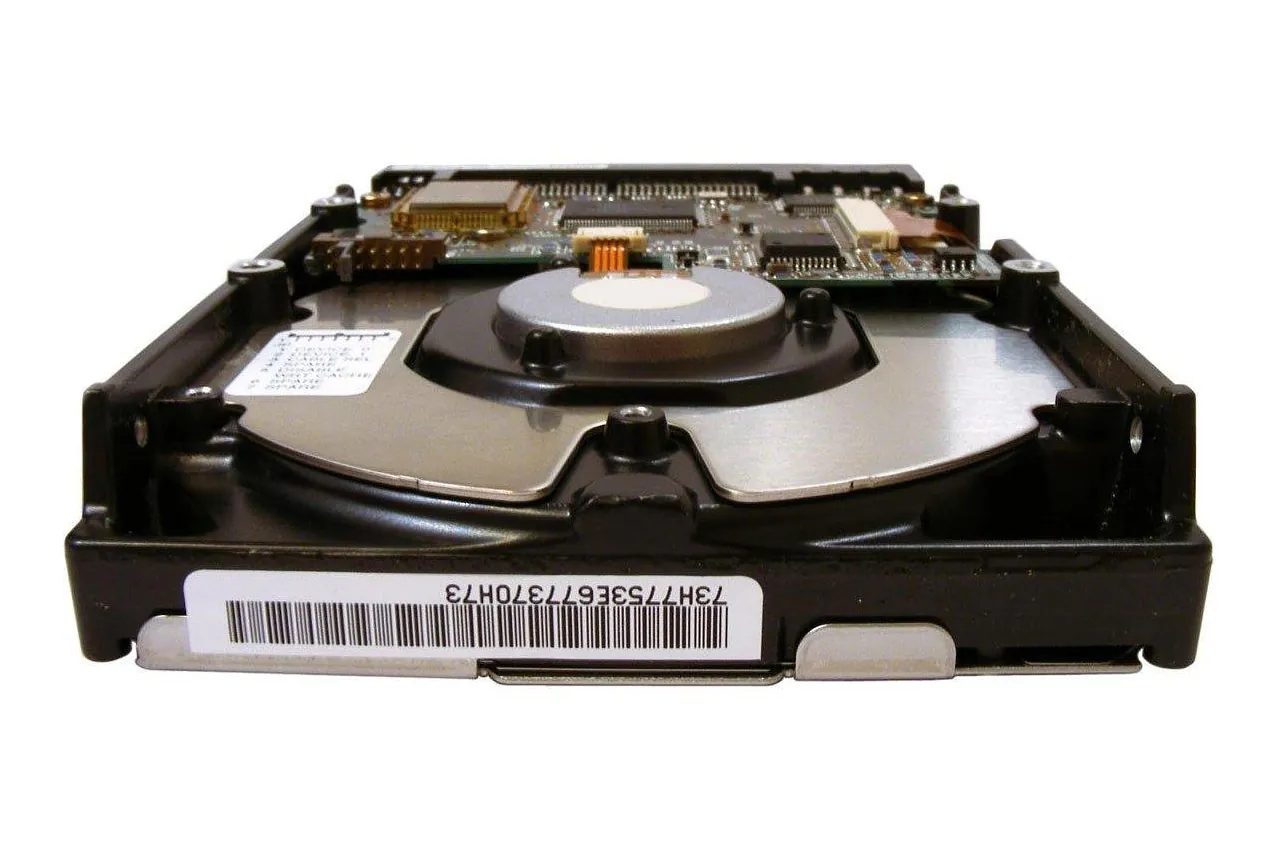
RAID
several disks run as one, usually so one can fail safely

Photo: Gray_Rhee / Pixabay 
Photo: jofair / Pixabay
Use the concept in a decision
Put “What is RAID?” to work in a real decision. We can help relate the concept to the system you are building or buying. Backups that are tested rather than assumed, and a written plan for the morning a server does not come back on.
Test the assumptions behind the term
Use the explanation and linked work to frame questions for your project. We can examine the assumptions with you before a tool is chosen. Automated 100 critical data backups using Barman — 100 critical backups automated across the databases
Automated 100 critical data backups using Barman Get in touch
What it is
RAID runs several disks as a single block device, so that the group can be faster, larger or harder to kill than any one of its members. The name comes from a 1987 technical report from the University of California, Berkeley, by David Patterson, Garth Gibson and Randy Katz: A Case for Redundant Arrays of Inexpensive Disks (RAID). Linux spells the levels in lower case and without a space, raid1 or raid5, which is how its md driver reports them.
The report starts from a mismatch. Processors and memory were getting faster, and the abstract warns that the gain is wasted unless input and output keep up. It sets the Single Large Expensive Disk, or SLED, whose capacity had grown quickly while its performance had improved only modestly, against arrays built from the cheap disks made for personal computers, which it expects to beat the big disk roughly tenfold on speed, reliability, power draw and room to grow. The comparison is concrete: an IBM 3380 mainframe disk, a Fujitsu Super Eagle for minicomputers, and the 100 MB Conner CP 3100 for personal computers.
Then comes the catch, in a section the authors title as bad news. If disks fail independently and at a constant rate, which the paper notes is what disk makers assume when they quote a mean time to failure (MTTF), an array’s MTTF is that of one disk divided by the number of disks. A hundred CP 3100s, each rated at 30,000 hours, give 300 hours, under two weeks; a thousand give 30 hours. The conclusion is blunt: “Without fault tolerance, large arrays of inexpensive disks are too unreliable to be useful.”
The answer is redundancy. The disks are split into reliability groups, each with extra check disks that hold redundant information. When a disk fails, it is replaced and its contents are rebuilt onto the new disk from that information; the time this takes is the mean time to repair, and hot standby spares, switched in electronically when a disk dies, shorten it. The report then lays out five organisations and calls each one a level. Level 1 mirrors every disk. Level 2 corrects errors with a Hamming code, as memory systems did. Level 3 needs only a single check disk per group. Level 4 lets small reads and writes go to separate disks at the same time. Level 5 spreads data and check information across every disk, so that no single check disk holds up the writes.
Practice has added to the list. mdadm, the tool that manages Linux software RAID, accepts linear, raid0 (or stripe), raid1, raid4, raid5, raid6 and raid10, among others. Striping without redundancy, now called level 0, is not in the 1987 taxonomy, which begins with mirrored disks. The report left open whether an array is built in hardware or in software and called that a question of cost and benefit alone. Linux md is the software kind; a controller card that shows the operating system one large disk is the hardware kind.
Why it matters
A disk wears out, and on a server with one disk its failure stops the machine and leaves the data to whatever backup exists. The report opens its section on reliability with exactly that: disks are unreliable enough that systems managers back up everything every night. With redundancy, a failed disk becomes a repair job instead of an outage. The array carries on from the members that remain, in a state Linux calls degraded, and returns to full strength once a replacement has been added and rebuilt.
That protection lasts only as long as the remaining disks do. The report’s arithmetic counts data as lost when a second disk in the same group fails before the first one has been repaired, so the length of the repair window matters as much as the number of check disks. With hot spares and short repairs the figures become impressive: the report computes that a level 5 array of 1,000 disks, in groups of ten with 5 percent standby spares, would still have an MTTF of 90 years. Elsewhere it warns that an earthquake or a power surge can make the disks in one array fail together, and its formulas assume they do not.
Choosing a level is a trade between capacity, speed and cost. The report’s own conclusion is that mirrored disks suit transaction processing that uses no more than half of the storage, and level 5 looks best when more of the capacity is needed, or for supercomputer work, or for a mix of that and transaction processing.
When the redundancy runs out, what is left is recovery. The portfolio entry on recovering data from SD cards, hard disks, SSDs and RAID treats a failed RAID array as a problem of its own, set apart from a dead SSD or a failed platter drive, with the right approach depending on the medium.
What it looks like in practice
Take a server with one partition on each of two disks, /dev/sda1 and
/dev/sdb1, to be mirrored for a data volume. With Linux md, three commands
build the array, put a file system on it and record it in the configuration:
mdadm --create /dev/md0 --level=1 --raid-devices=2 /dev/sda1 /dev/sdb1
mke2fs -t ext4 -L data /dev/md0
mdadm --detail --scan >> /etc/mdadm/mdadm.conf
The first creates /dev/md0, a RAID1 array of the two partitions, and the
kernel starts a resync, recalculating the redundancy, as it does after any
creation. The second formats the array exactly as it would a single disk; the
file system sees one device. The third appends a line describing the array to
mdadm’s configuration file, which lives at /etc/mdadm.conf or
/etc/mdadm/mdadm.conf, and the manual asks for that output to be reviewed
before use, since it may carry detail nobody wants there.
Three files show how the array is doing:
cat /proc/mdstat
cat /sys/block/md0/md/degraded
cat /sys/block/md0/md/sync_action
/proc/mdstat lists every active md device with its state, and mdadm reads it
to find arrays and to follow reconstruction. Each array also has a directory
under /sys/block/, and in it degraded holds the number of members missing: 0
for a whole array, 1 with one disk gone. sync_action reads idle when nothing
is happening, resync after creation or an unclean shutdown, recover while a
hot spare takes over the contents of a lost member, and check or repair
during a full verification. Writing check to it starts that verification,
which reads every block of the array:
echo check > /sys/block/md0/md/sync_action
cat /sys/block/md0/md/mismatch_cnt
Afterwards mismatch_cnt gives the number of sectors that were rewritten, or
that would have been. The kernel documentation notes that most levels work in
pages rather than sectors, so the count can be larger than the number of real
errors.
Someone also has to hear about a failure. mdadm --monitor polls the arrays and
turns what it notices into events, which it can mail to an address or hand to a
program. On a system run by systemd, the manual names mdmonitor.service as the
main route, and MAILADDR in mdadm.conf as the setting to fill in for mail.
Only five events send mail: Fail, FailSpare, DegradedArray,
SparesMissing and TestMessage. The last exists to prove the path works:
MAILADDR ops@example.commdadm --monitor --scan --oneshot --test
mdadm --detail --test /dev/md0The first sends a test message for every array it finds and then exits. The
second suits a script: with --test, its exit status is 0 for a healthy array,
1 when at least one device has failed, 2 when so many have failed that the array
is unusable, and 4 when mdadm hit an error while gathering information about
the array.
The array covers one event, a disk dying, and nothing else. The portfolio entry on backups that have been restored describes what sits beside it on one host: encrypted, deduplicated snapshots sent to storage at another provider on a systemd timer, and a monthly drill that takes a known file back out and compares it, so what gets tested is a restore.
Where it goes wrong
An array is built for one event, a member disk dying, and most of the ways it loses data sit just beside that event.
The array is taken for a backup. A mirror writes every change to both disks at once, and that includes a file deleted by mistake, a table dropped by a bad migration or a volume encrypted by ransomware. Every member then holds the same damage. The fix is a separate backup kept off the host, with restores tested on a schedule, so the array guards against hardware and the backup against everything else.
A degraded array goes unnoticed. A degraded array keeps serving, and nothing
about it looks different until the next disk fails. mdadm sends no mail unless
it has an address or a program: with --scan and neither configured, the manual
says it monitors nothing. DegradedArray also covers only arrays that are
already degraded when mdadm first sees them; a disk that dies later produces a
Fail event. The fix is to set MAILADDR, make sure mdmonitor.service is
running, and send a --test message to prove that mail arrives.
The second disk fails during the rebuild. A rebuild reconstructs the missing
disk from all the others, and the report’s model loses data exactly when another
disk in the group fails within that repair time. A failed disk left in place for
a week stretches the window to a week. The fix is to shorten it: keep a hot
spare in the array, which mdadm can set up at creation with --spare-devices,
replace failed disks promptly, and run a scheduled check, so that a disk with
problems is found while the array can still correct them.
The disks are not independent. The MTTF arithmetic assumes that disks fail on their own, and the report itself names an earthquake and a power surge as cases where they would not. Two disks in one case share a power supply, a controller, a room and a building. The fix is to treat the calculated figure as an upper bound and to cover shared causes with something outside the box, such as a copy at another site.
A RAID 5 or 6 array is dirty and degraded at once. If the machine stops
uncleanly while a member is missing, the parity cannot be trusted and some
blocks cannot be rebuilt, so the kernel documentation warns of undetectable
corruption, and md refuses to start the array. Forcing it with
mdadm --assemble --force, or for a root file system with the
start_dirty_degraded module parameter, accepts that risk. The fix is to choose
a consistency policy in advance: md can log writes to a journal device for
levels 4, 5 and 6, and for level 5 it offers a partial parity log, which the
documentation says closes the write hole. When forcing is the only way in, treat
the data as suspect and check it against a backup.
RAID 0 is counted as protection. md lists raid0 and linear arrays as having
no redundancy information, and mdadm’s monitor reports them with Wrong-Level,
because they support none of the failure, spare and resync operations it
watches. There is nothing to rebuild a missing member from. The fix is to use
level 0 only for data that can be thrown away or recreated, and never to count
it as RAID in the sense of the 1987 report.
A hardware controller hides the disks. Behind a controller card, the
operating system sees one logical device, and asking that device about drive
health reaches the controller, not the drives. smartctl, for example, needs
-d megaraid,N to address disk N behind a MegaRAID controller, which its manual
says also covers Dell PERC cards. The fix is to monitor each physical disk
through the controller’s own interface, so that a failing member is noticed
while the array is still whole.
Further reading
- A Case for Redundant Arrays of Inexpensive Disks (RAID) — the Berkeley technical report’s page, with its abstract and the PDF.
- UCB/CSD-87-391, the full report (PDF) — the MTTF arithmetic, reliability groups and the five levels.
- RAID arrays, Linux kernel documentation
— md’s files under
/sys, dirty degraded arrays and consistency policies. - mdadm(8) — creating
arrays, monitor events, mail and the
--detail --testexit codes. - smartctl(8), smartmontools
— reaching disks behind RAID controllers with the
-doption.